
Filevine Dropbox sync, both ways.
MatterOrbit mirrors every Filevine matter into Dropbox team or shared folders and keeps both sides current. Edit a document in Filevine and it lands in Dropbox; edit it in Dropbox and it lands back in Filevine. Filevine stays the system of record. MatterOrbit is a certified Filevine integration, listed in the Filevine marketplace and built on Filevine's official partner API.

Watch
Filevine RKO 2026 highlights
Micronetbd at Filevine's Revenue Kickoff 2026, on the floor with the Filevine team.
0:48 on the Micronetbd channel
More videos on this pageFilevine projects map to Dropbox team or shared folders
The folder structure inside a matter is preserved exactly as it exists in Filevine.
Map
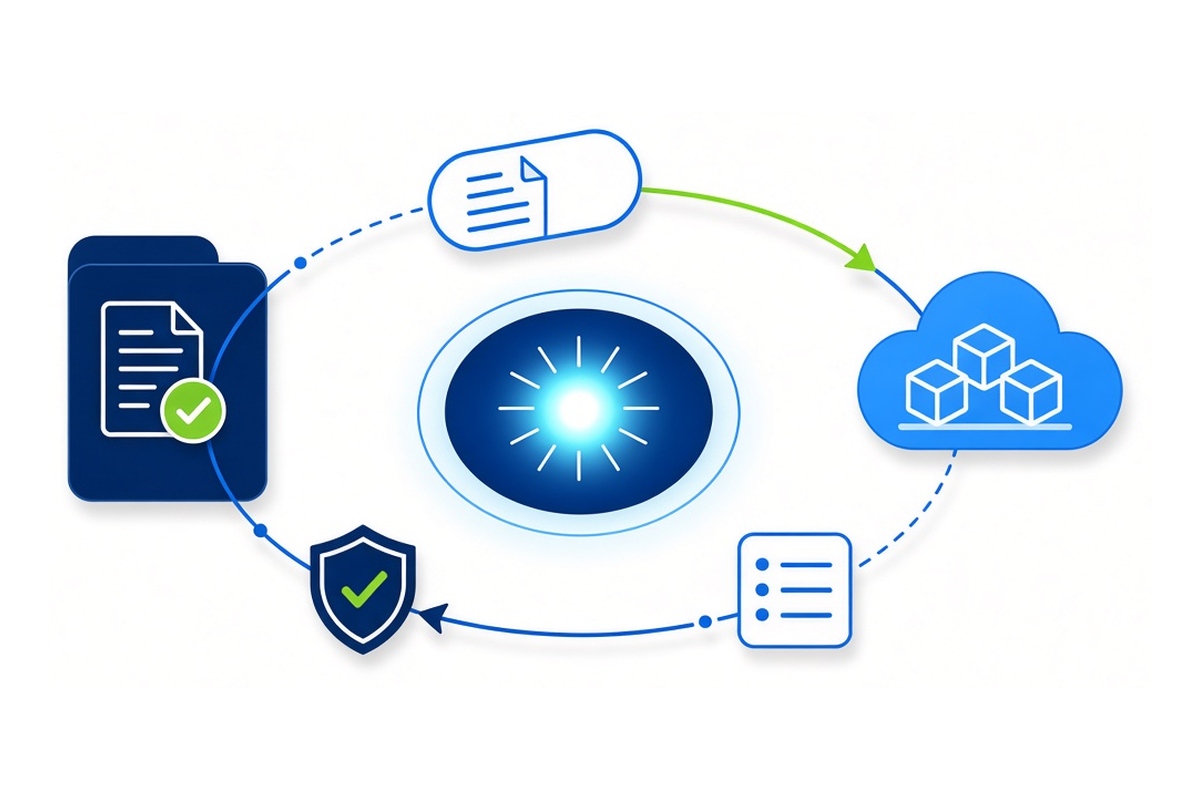
Each Filevine project maps to a location in Dropbox. The folder tree inside the matter is mirrored as is.
Detect
Changes on either side arrive by webhook. If a webhook is missed, a 5-minute poll catches it, and a nightly sweep reconciles everything else.
Resolve
When the same document changes on both sides at once, the conflict policy your firm chose is applied and recorded.
Verify
Every transfer is hash-verified before the audit record is written. Failed operations retry with backoff.
Five conflict strategies, no silent overwrites
When the same document changes in Filevine and Dropbox at once, MatterOrbit applies the policy your firm chose, and records what it did.
Last-writer-wins
The default. The most recent change is kept. Predictable, and right for most matters.
Filevine-authoritative
Filevine always wins a tie. Use it when Filevine is the system of record for drafting too.
Dropbox-authoritative
Dropbox wins a tie. Use it when the team drafts in Dropbox.
Version-both
Both versions are kept and the loser is renamed, so no work is ever lost.
Manual review
The conflict lands in a queue in the MatterOrbit dashboard for a person to settle.
Loop prevention
Every write MatterOrbit makes into Dropbox carries sync-source metadata, so the inbound webhook for that same write is recognized and short-circuits instead of bouncing back to Filevine.
Built for firms that live in Dropbox
Co-counsel who live in Dropbox
Referral partners and co-counsel often standardize on Dropbox, not Filevine. Their shared folder stays current with the matter, both directions, with no re-uploading and no Filevine login for them.
Firms that already run on Dropbox
If Dropbox is where the team keeps client files, that habit continues while Filevine stays the system of record.
Firms that want an off-platform copy
A continuously updated Dropbox copy of every matter document is a working backup outside Filevine.
Set up the Dropbox connector
Every firm starts with a short setup call. We scope your Dropbox location, your backfill volume and the conflict policy your firm wants before billing begins. Standard mirror setup, your current Filevine structure copied into a fresh Dropbox location, is included. Mapping work with exceptions, content that must live on one side only, or folders that need restructuring before the sync, is scoped and quoted first.
MatterOrbit connects through the Dropbox API under MatterOrbit's own credentials, with the same conflict rules, loop prevention and audit trail as every other connector. SOC 2 Type 2 controls apply, the same standard Micronetbd holds for every client.
- Certified Filevine integration, listed in the Filevine marketplace
- Built on Filevine's official partner API
- Sync health, volume, the conflict queue and a full audit trail in the dashboard
- One connector bundled in every plan; SharePoint, OneDrive, Dropbox and Google Drive as add-ons
- Built and supported by Micronetbd, a certified Filevine implementation partner
Filevine Dropbox sync questions
How fast does a change in Filevine show up in Dropbox?
Most changes land near real time through webhooks. If a webhook is missed, a 5-minute poll catches it, and a nightly reconciliation sweep checks everything else.
What happens if the same file changes in Filevine and Dropbox at once?
MatterOrbit applies the conflict policy your firm chose: last-writer-wins by default, or Filevine-authoritative, Dropbox-authoritative, version-both, or manual review. Every decision is recorded in the audit trail.
Is this an official Filevine integration?
Yes. MatterOrbit is a certified Filevine integration, listed in the Filevine marketplace and built on Filevine's official partner API. Filevine stays the system of record throughout.
Is setup included?
Standard mirror setup, mirroring your current Filevine structure into a fresh Dropbox location, is included. Mapping work with per-matter-type exceptions or folder restructuring is scoped and quoted on the setup call.
Can co-counsel use this without a Filevine login?
Yes. Co-counsel work in Dropbox as they already do; MatterOrbit keeps their shared folder aligned with the matter in Filevine, so nobody outside the firm needs Filevine access.
Team folders, shared folders, or both?
Both, each aligned with the matching Filevine project in both directions.
Watch: Micronetbd and Filevine
From Filevine's Revenue Kickoff 2026, where MatterOrbit's team works alongside the Filevine team.


More on the Micronetbd YouTube channel.
See it on your own matters
A short setup call: we look at your Filevine structure and your Dropbox layout and show you what the mirror looks like.