
MatterOrbit.
Every matter, in orbit.
A certified Filevine integration, listed in the Filevine marketplace, for true two-way document sync with SharePoint, OneDrive, Dropbox or Google Drive.
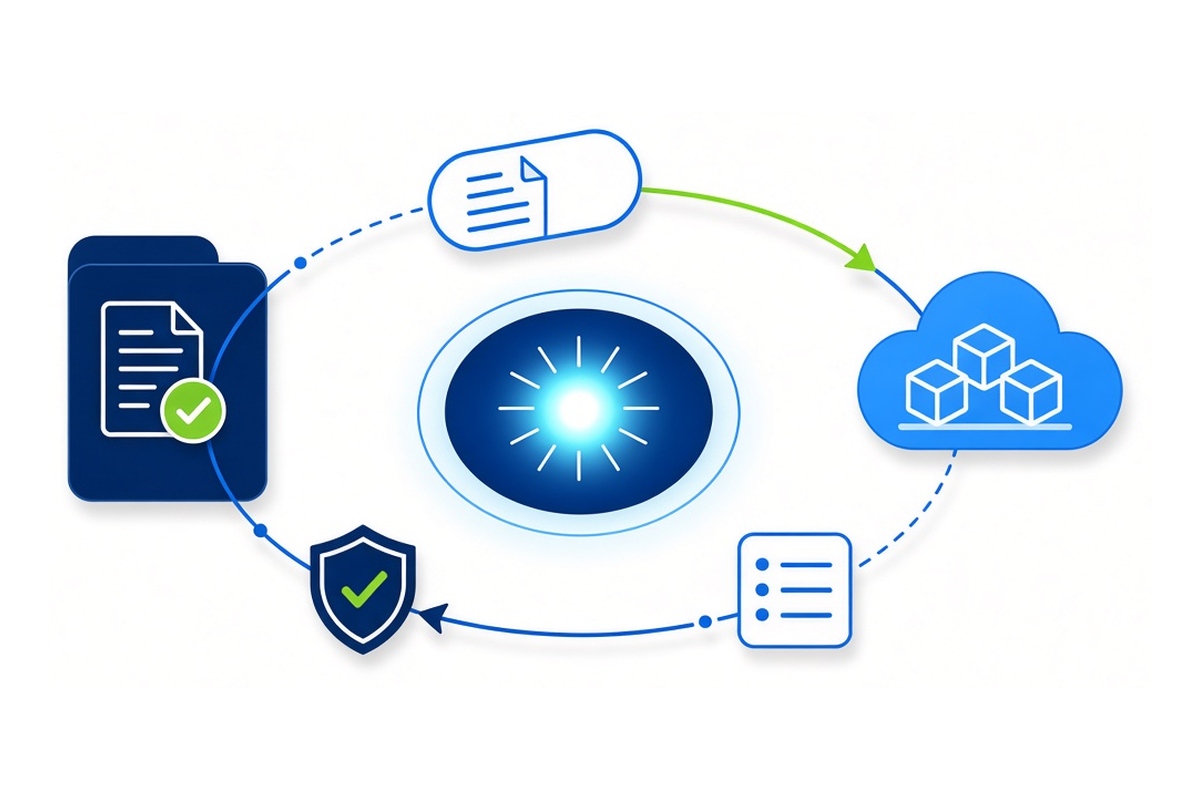

Filevine stays the record, both sides stay current
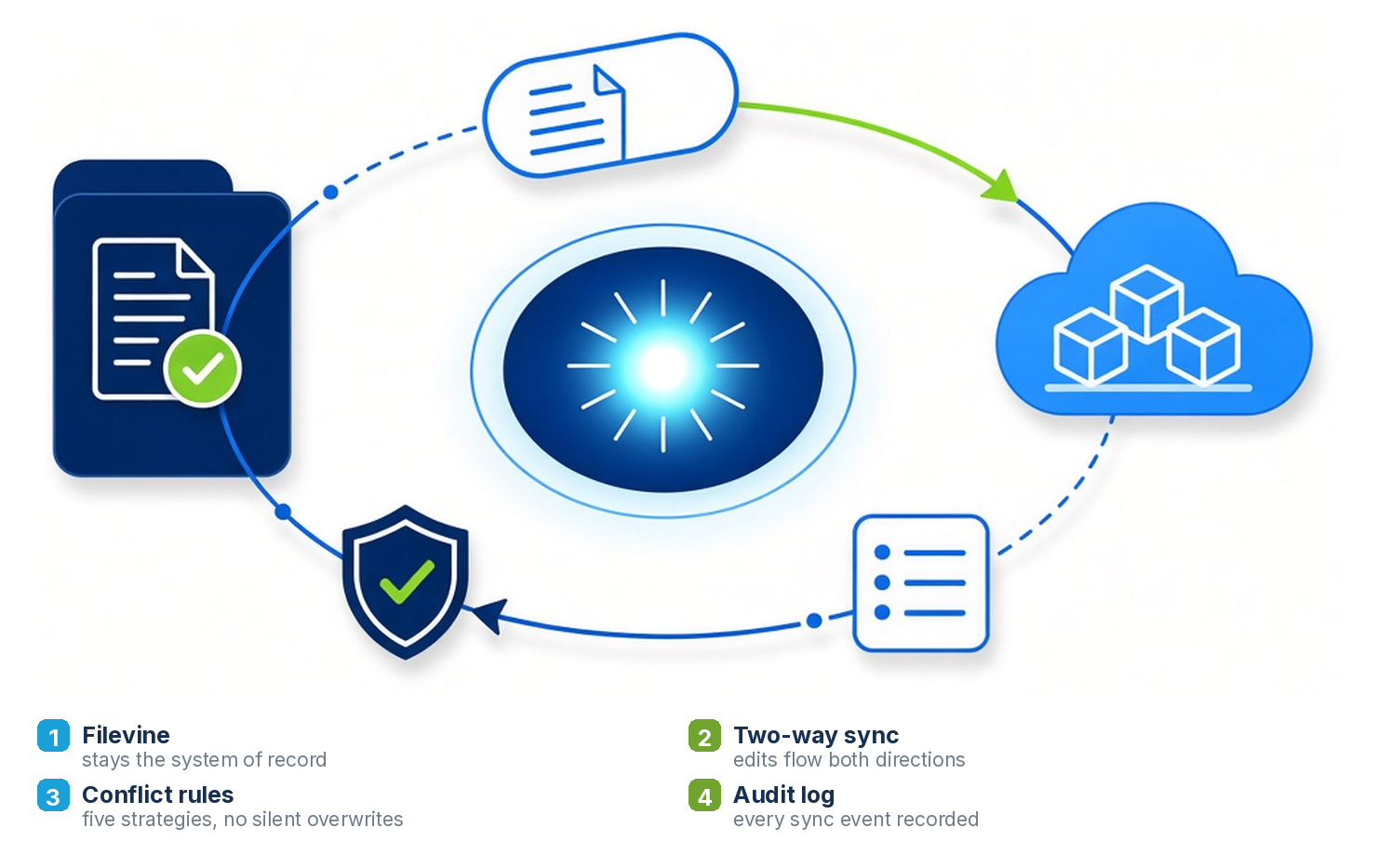
The official two-way sync for Filevine
MatterOrbit is Filevine's approved partner for true two-way document sync, built on Filevine's official partner API. Filevine is our partner. The third-party document bridges firms tried before are where the gaps showed up.
| Option | Direction | Where it stands |
|---|---|---|
| Earlier third-party bridges | Scheduled or one-way | Copies files out on a schedule or in one direction, so an edit on the other side never comes back. |
| Zapier or Workato | Fragile | Breaks above roughly 50 documents a day, no real conflict resolution. |
| Custom build | Varies | $25K to $40K, unsupported, and you own the maintenance. |
| MatterOrbit | Two-way | The sanctioned integration on Filevine's official partner API. Purpose-built, supported, and audited. |
Built to sync correctly, not just move files
True two-way sync
Edit in either place. Changes flow both directions, near real time.
Conflict resolution
Five strategies including last-writer-wins and manual review. No silent overwrites.
Loop prevention
Sync-source metadata short-circuits inbound webhooks, so no infinite loops.
Audited and reliable
Every document and sync event logged, errors retried with backoff.
Smart rename
Handles Filevine's 250-character path limit while preserving the original name.
Sync dashboard
Health, volume, the conflict queue and a full audit trail in one view.
Four destinations, all two-way
Filevine stays your system of record. MatterOrbit mirrors every matter into the storage your firm already uses.
Available now
Each connector has its own page on matterorbit.com: Filevine and SharePoint sync, Filevine and OneDrive sync, Filevine and Dropbox sync, Filevine and Google Drive sync, and MatterOrbit pricing.
On the Enterprise roadmap
We move your SharePoint files into Filevine first, in the right matter and folder structure.
Then MatterOrbit keeps both sides in sync from day one, so you start in sync rather than catching up later.
One connector per destination, all two-way
Each page explains how the mirror runs for that destination, who it fits and how setup works.
Filevine SharePoint sync
Your team already works in SharePoint, Teams and Outlook. Every matter gets a live SharePoint mirror, so nobody waits on a manual file move.
Filevine OneDrive sync
Many attorneys keep working files in their own OneDrive rather than a shared library. That folder stays aligned with the matter, both directions.
Filevine Dropbox sync
Referral partners and co-counsel often standardize on Dropbox, not Filevine. Their shared folder stays current with the matter, both directions, with no re-uploading and no Filevine login for them.
Filevine Google Drive sync
If the firm runs on Gmail, Docs and Drive, every matter gets a live mirror in My Drive or a Shared Drive.
Filevine at Micronetbd HQ
The first official Filevine visit to our office
TJ Michaelson, Implementation Consultant at Filevine, spent a day with our team in Hamilton, New Jersey. We compared notes on implementations, talked through the work we each do for Filevine clients, and looked at where we can back each other up better. A partnership that works on screens is better still in person.
Watch the visitWatch: Micronetbd and Filevine
From Filevine's Revenue Kickoff 2026, where MatterOrbit's team works alongside the Filevine team.



More on the Micronetbd YouTube channel.
See it running on your own matters
About twenty minutes. We connect a test project to your document system and show the sync both ways. No data moves until you say so.