
Your firm on Filevine.
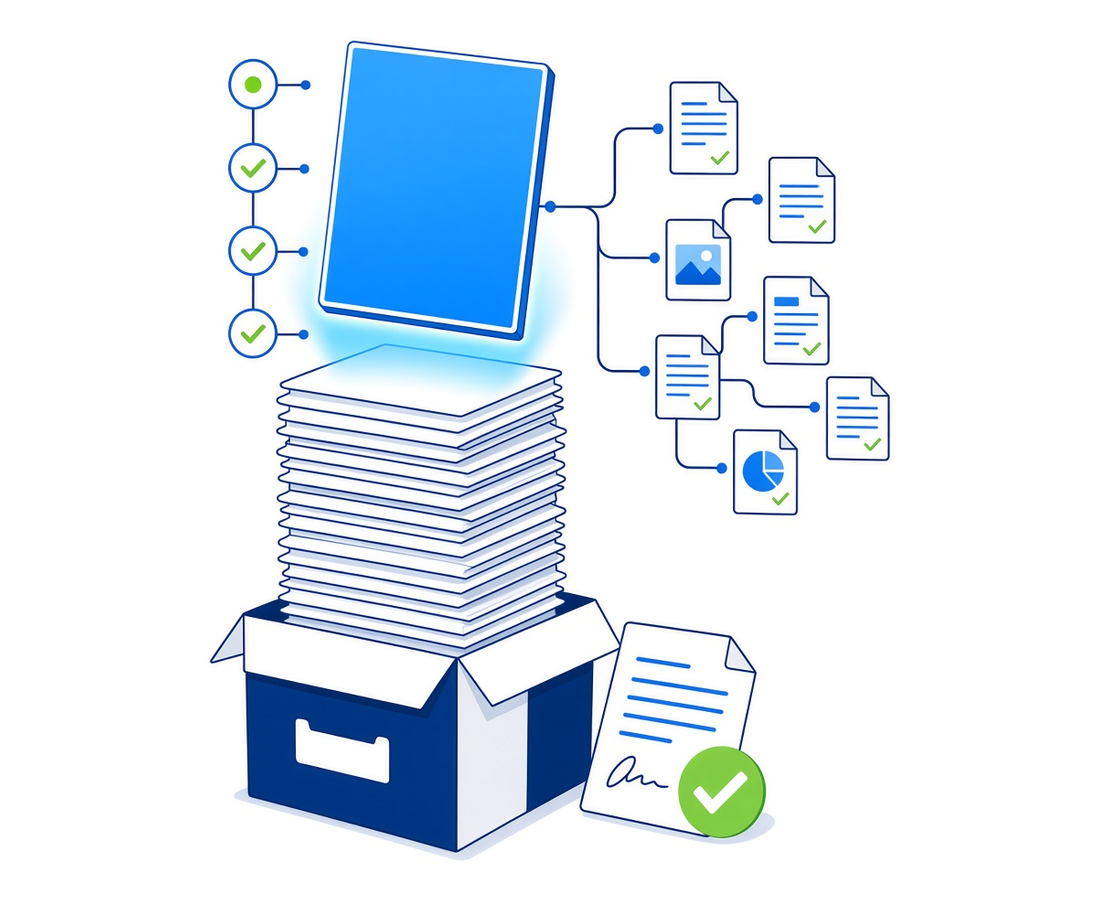
Every matter. Every document. Every field.
We build it, move you onto it, and run it after go-live.
LEX Summit 2026 · San Diego · October 26 to 29
Get more out of Filevine, with the team that implements it every week
Micronetbd is a gold sponsor at Filevine's LEX Summit. George Ayub teaches the hands-on Vinesign workshop on Tuesday, October 27 at 10:00 in Room 4.
- Workflows, DocGen and Vinesign templates built around how your firm works
- Your history moved in with a written field map and a signed reconciliation report
- Reports your managing partner actually reads
- A named admin afterwards, on a flat monthly retainer

Watch
Filevine RKO 2026 highlights
Micronetbd at Filevine's Revenue Kickoff 2026, on the floor with the Filevine team.
0:48 on the Micronetbd channel
More videos on this pageOne matter, end to end on Filevine
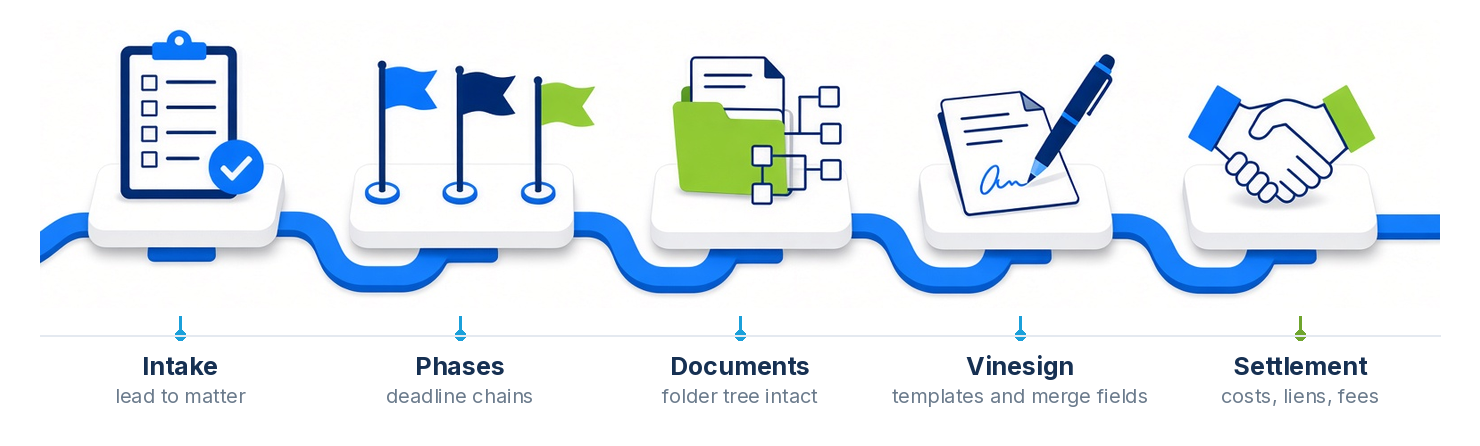
Six things firms hire us for
Implementation
Project types, sections, phases, deadline chains, teams and permissions, built to your practice areas.
Migration
Your old system into Filevine, field by field, documents with the folder tree intact.
Documents and Vinesign
Templates, merge fields and Vinesign builds. The paperwork writes itself.
Lead Docket intake
Forms, routing and follow-up tuned to your marketing sources.
API and integrations
Texting, dialers, contact center, accounting, medical records, call tracking, portals.
Fractional Filevine admin
A named admin, a ticket queue and monthly enhancements on a flat subscription.
How a move to Filevine runs
One partner from the old system to the first day live.
Kickoff to cutover in four to eight weeks
No frozen files, no guesswork, no surprise on go-live day.
Design
Project types and sections mapped to how your firm actually works.
Build
Configured in your org, with templates, automation and intake wired up.
Migrate
Data and documents loaded, then a delta pass so nothing goes stale.
Go live
Reconciliation signed off, team trained, support queue open.
What a well-run Filevine implementation looks like
Whether it is your first implementation or one that stalled part-way, we hold every project to the same standard.
Risks we design around
- Fields dumped into notes, unsearchable forever
- Documents flattened out of their folder tree
- No record counts, so nobody knows what did not arrive
- Files frozen for a weekend, or longer
- Go-live day is the first time staff see the system
How we run it
- Every field mapped in writing before anything moves
- Folder structure preserved, document by document
- Reconciliation report signed off before cutover
- Two-stage cutover with a delta pass, so nothing is frozen
- Sandbox first, so your team trains on your own data
We have moved firms onto Filevine from
A sample of the systems we have moved firms off.
Legacy case management
Cloud case management
Document stores
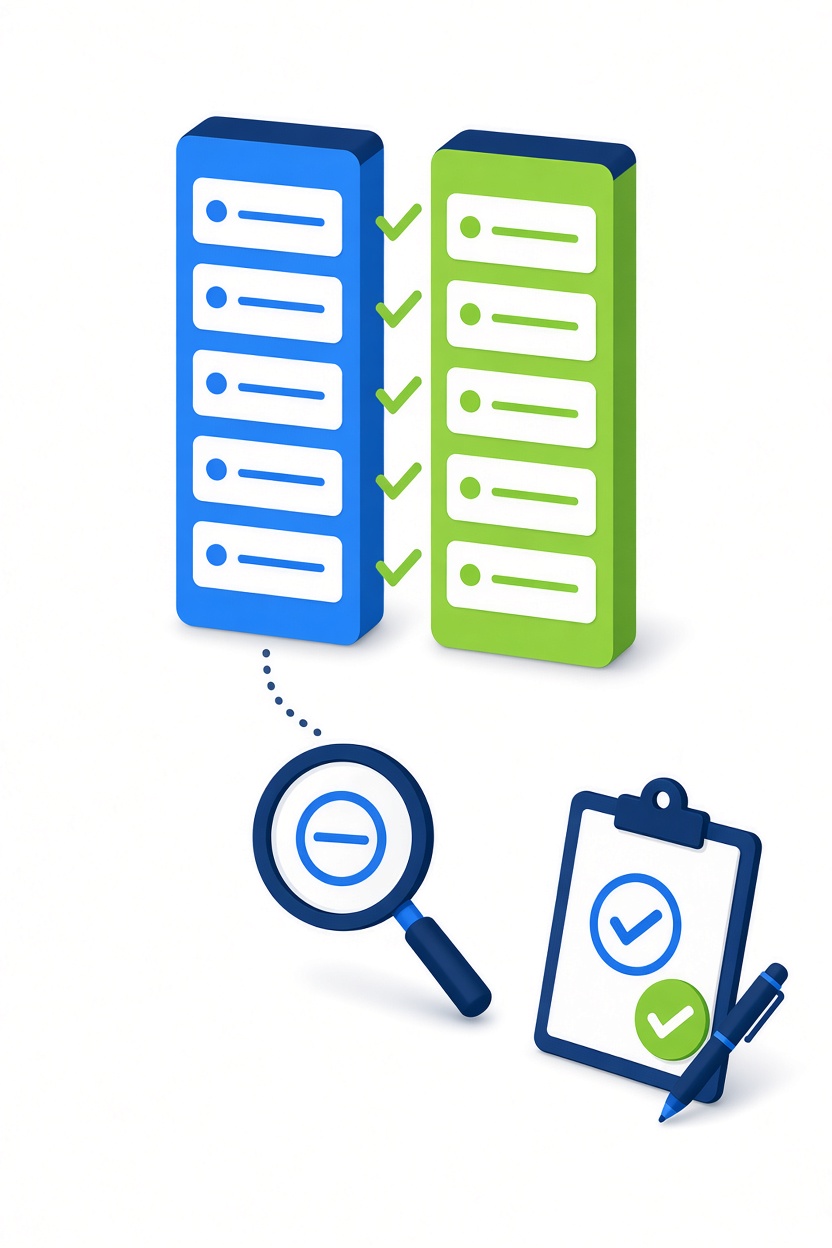
The reconciliation report
Source counts against destination counts, field by field, document by document.
- Signed off by your team before anyone goes live
- Every exception listed, with a reason
- SOC 2 Type 2 controls on your client data during the move
- The same report is your audit trail afterwards
MatterOrbit keeps Filevine and SharePoint in sync, both ways.
The Filevine-approved integration for true two-way document sync with SharePoint, OneDrive, Dropbox or Google Drive. Built by this team.
A certified partner, not a reseller
Micronetbd is listed in the Filevine partner directory as a certified implementation partner and works alongside the Filevine team at its own events. Filevine builds the platform; we configure it to your practice areas, migrate the old system onto it with a signed reconciliation report, and stay on as your named admin. A Filevine consultant from Micronetbd has done this across 60+ legal platform projects, so the project types, deadline chains, Vinesign templates and Lead Docket routing arrive as patterns, not experiments.
If you already run Filevine and something is not right, we take over builds we did not write. It starts with an audit of the org as it stands and a written list of what we would fix first.
- Certified Filevine implementation partner, listed in the Filevine directory
- Implementation, migration, Vinesign, Lead Docket and integrations by one team
- Signed reconciliation report before go-live on every migration
- Fractional Filevine admin on a flat monthly subscription afterwards
- MatterOrbit, our own two-way Filevine document sync, when documents live in SharePoint, OneDrive, Dropbox or Google Drive
Filevine implementation questions, answered
Is Micronetbd a certified Filevine implementation partner?
Yes. Micronetbd is listed in the Filevine partner directory as a certified implementation partner, and the team works with Filevine at its own events. We implement Filevine, migrate firms onto it and support it afterwards.
What does a Filevine consultant do that Filevine onboarding does not?
Filevine's own team gets you set up on the platform. A consultant configures it to how your firm runs a matter: project types by practice area, sections and phases, deadline chains, Vinesign templates, Lead Docket routing and the integrations you already pay for. On a migration we also map the old system field by field and reconcile every record before go-live.
How long does a Filevine implementation take?
Kickoff to cutover usually runs four to eight weeks, depending on the number of practice areas, the size of the migration and how much cleanup the old data needs. The timeline goes into the fixed-scope quote with the written field map, so you know both before anything moves.
Which systems have you migrated onto Filevine?
Needles and Neos, ProLaw, Time Matters, PCLaw, Clio, MyCase, PracticePanther, Smokeball, CasePeer, SmartAdvocate, Docketwise and MerusCase, among 25+ source systems, plus document stores such as SharePoint, NetDocuments, iManage and Worldox. Each move ends with a reconciliation report, source counts against destination counts with every exception explained, signed off by your team.
Can you support Filevine after go-live?
Yes. Fractional Filevine admin is a named administrator on a flat monthly subscription with a ticket queue, monitoring, user training, monthly enhancements and release reviews. It is the same retainer we run for Litify, Salesforce, DocuSign CLM and Specright clients, so a firm on more than one platform has one admin team.
Our documents live in SharePoint. Does that work with Filevine?
Yes. MatterOrbit, built by Micronetbd, keeps Filevine and SharePoint, OneDrive, Dropbox or Google Drive in sync both ways, so a document filed on either side shows up on the other. It is a certified Filevine integration listed in the Filevine marketplace.
Filevine API and the two-way file sync
How MatterOrbit uses the official Filevine API to keep documents in sync both ways with SharePoint, OneDrive, Dropbox and Google Drive.
After go-live: Filevine, administered
A named Filevine admin, a ticket queue and a flat monthly subscription, from the team that implemented it: Filevine managed services, all managed services.
Filevine at Micronetbd HQ
The first official Filevine visit to our office
TJ Michaelson, Implementation Consultant at Filevine, spent a day with our team in Hamilton, New Jersey. We compared notes on implementations, talked through the work we each do for Filevine clients, and looked at where we can back each other up better. A partnership that works on screens is better still in person.
Watch the visit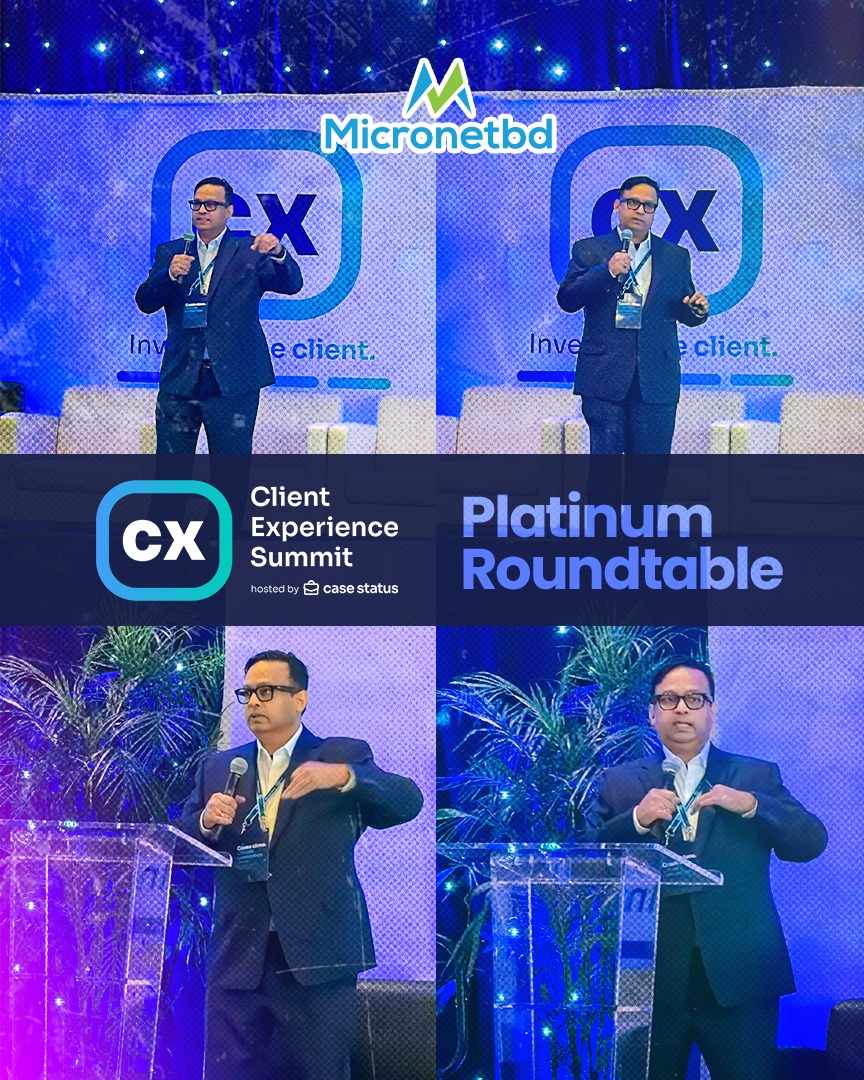
Seen at CX Summit 2026
Three days in Charleston with the firms we build for
Micronetbd was a Platinum Sponsor of CX Summit 2026, hosted by Case Status. At Booth 11 the conversation kept coming back to Filevine implementation, migration and keeping documents in two places. George Ayub took the Platinum Roundtable stage with a practitioner's view of client experience: it is decided by how well a firm's systems talk to each other.
Read the recap and watch the reels
Vinesign in Filevine
Signatures without leaving Filevine
Short videos from our own demo environment showing what Vinesign does for a firm that has it set up well. We set it up for you.
- Send a Document for Signature Without Leaving Filevine
- One Signature Template for Every Matter in Vinesign
- An Attorney Retainer Agreement That Fills Itself from Filevine
- Verify an Electronic Signature: The Proof Vinesign Keeps for You
Watch: Micronetbd at Filevine RKO 2026
Highlights from Filevine's Revenue Kickoff, where Micronetbd works alongside the Filevine team.



More on the Micronetbd YouTube channel.
Migration guides by source platform
How the move runs from Needles, Clio, MyCase and ProLaw, or the full list of source systems.
Send us your old system, get a map back
An export or a database schema is enough. You get a written field-by-field map of what moves, what needs cleanup, and what will not come across.