
Vinesign for Filevine firms
Short videos showing what Vinesign, the e-signature tool built into Filevine, does for a firm that has it set up well: documents signed from the case file, templates used on every matter, retainers filled from the case, and the proof kept on the matter.
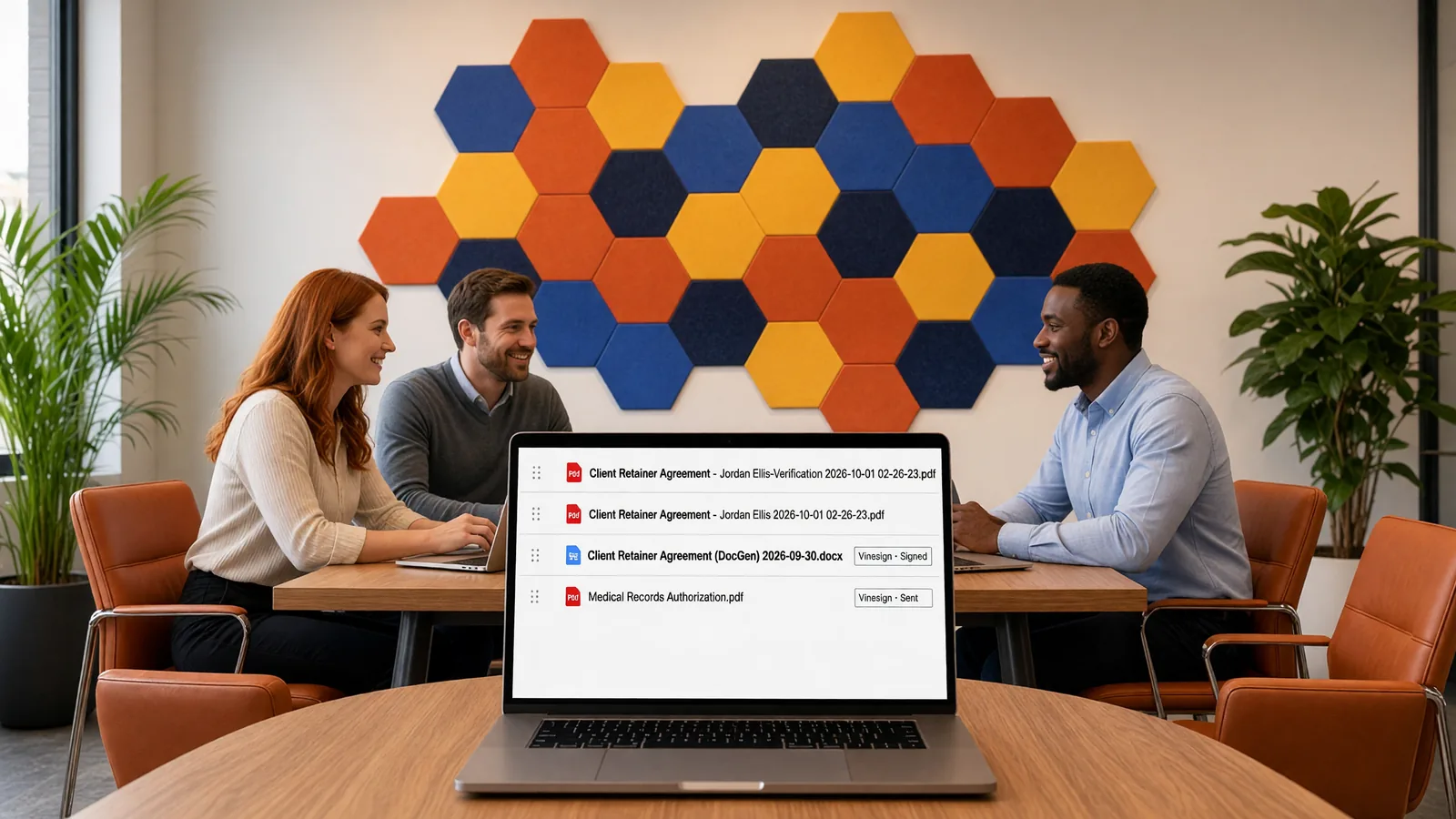
See what a good Vinesign setup looks like
Each video is about 30 seconds, filmed in our own demo environment with fictional data. When you want it working at your firm, we set it up for you.
Send a Document for Signature Without Leaving Filevine
With Vinesign set up well, a document goes from the case file to signed and back on the matter, with every step noted for the team.
One Signature Template for Every Matter in Vinesign
One signature template per document, reused on every matter, with every signer's fields already in place.
An Attorney Retainer Agreement That Fills Itself from Filevine
Client name, address, case type and attorney on the page straight from the Filevine case, then signed by client and attorney in Vinesign.
Verify an Electronic Signature: The Proof Vinesign Keeps for You
Each signed document carries a certificate of completion and a full history: who signed, in what order and when.
Vinesign Login and Admin Setup, Done Right for Your Firm
Branding, signer security, notifications, reminders, expiration and users, decided once so every send behaves the same way.
Signing Order and Signer Security in Vinesign
Several documents, several signers, one envelope: signed in the right order, with identity checks where they matter.
Vinesign questions
What is Vinesign?
Vinesign is the e-signature tool built into Filevine. Firms use it to send documents from a Filevine project for signature, track every stage on the matter, and file the signed copy back in the project's Docs.
Do signers need an account?
No. Signers open the link in their email and sign in the browser, on a phone or a computer.
Can Vinesign use our Filevine contacts?
Yes. Signers can be picked straight from the Filevine contact cards, so nobody retypes an email.
What does Micronetbd do?
Micronetbd is a Filevine implementation partner. We set up Vinesign, signature templates and document generation for law firms, test them on real matters and train the team.
Are these official Filevine videos?
No. They are independent videos produced by Micronetbd from our own demo environment with fictional data. Filevine and Vinesign are trademarks of their respective owner(s).
Want Vinesign set up for your firm?
Micronetbd is a Filevine implementation partner. We configure Vinesign, templates and document generation around how your firm works.
Independent content produced by Micronetbd from our own demo environment with fictional data. Filevine and Vinesign are trademarks of their respective owner(s).