
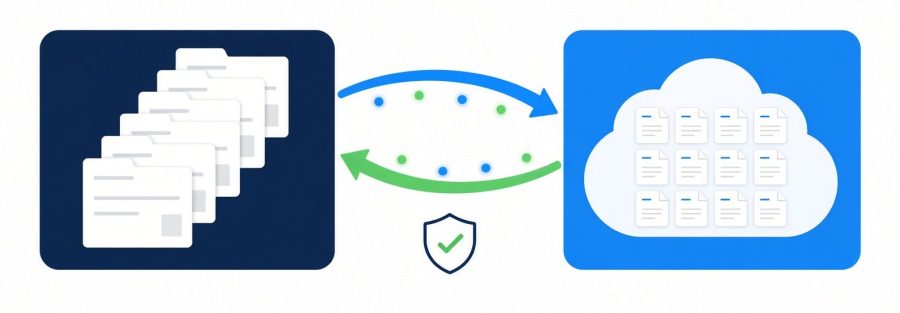
Filevine SharePoint Integration: What Two-Way Document Sync Has to Get Right
Every firm running Filevine alongside SharePoint eventually asks the same question, usually after somebody works for an hour on the wrong version of a demand letter. Why is the copy in our document system not the same as the copy on the matter?
The honest answer is that most of what gets sold as sync is not sync. It is a backup. Files leave the case management system on a schedule and land in a folder somewhere, and that is where the relationship ends. Edit the copy in SharePoint and nothing goes back. Six weeks later you have two document sets and no way to tell which one a paralegal was working from.
Filevine is not the problem here, and we say that as one of their implementation partners. The gap opened up in the bridges firms relied on: scheduled copies that only run one way, no-code automations that fall over somewhere north of fifty documents a day, and custom builds nobody will support in two years. So firms are left comparing a backup, a fragile automation and a $25,000 to $40,000 build.
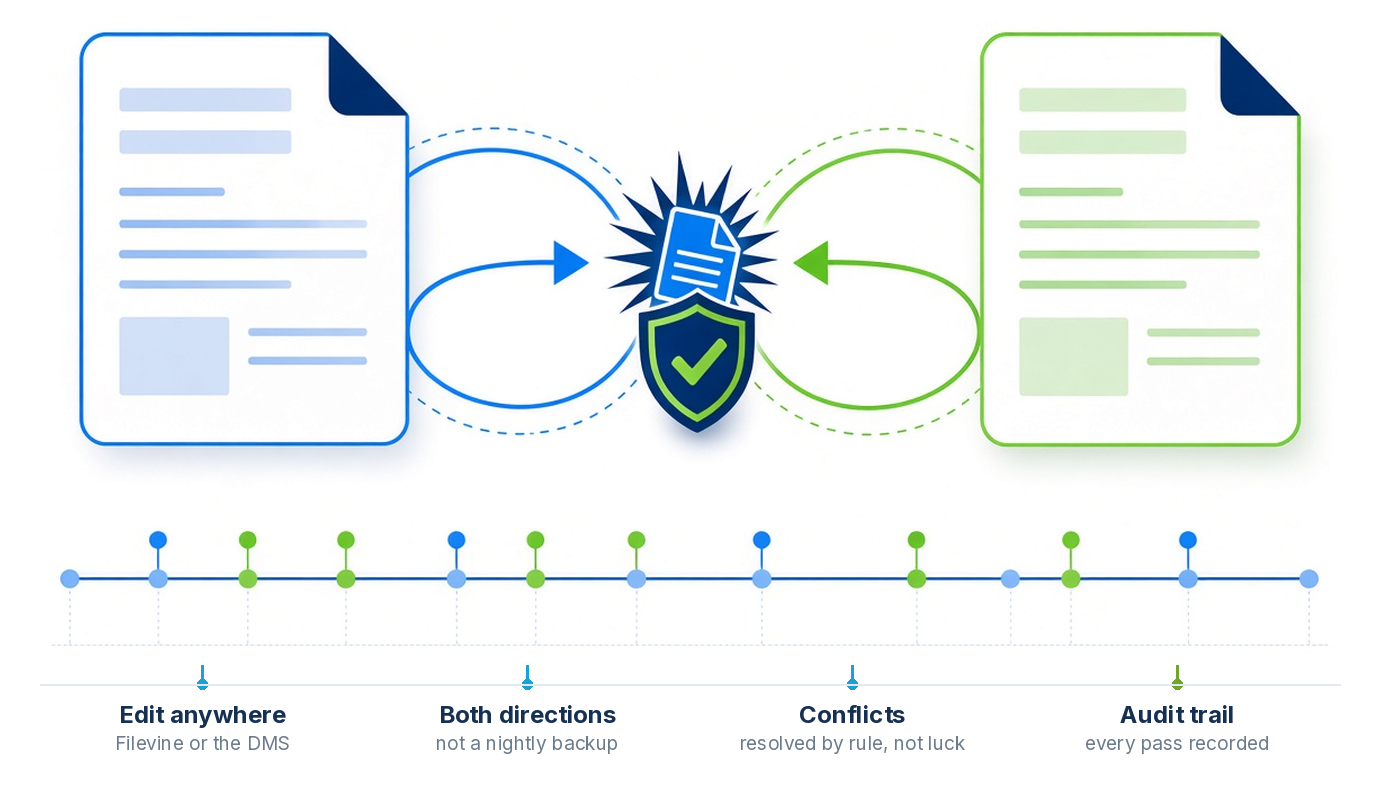
The short version. A Filevine SharePoint integration is only two-way if an edit made in SharePoint lands back on the Filevine matter, and the reverse, without a person copying files. That takes four things: a conflict rule, loop prevention, name and path handling, and a verifiable audit trail.
MatterOrbit, built by Micronetbd, does all four. It is a certified Filevine integration listed in the Filevine marketplace, mirrors every matter into SharePoint sites and libraries near real time, and is priced as one monthly subscription quoted for your firm. Details on the Filevine SharePoint connector page.


Updated September 2026.
What two-way actually requires
If you are evaluating options, these are the four things that separate a real integration from a file copier. Ask about all of them.
1. Conflicts have to be decided by a rule
Two people editing the same document in two systems is not an edge case, it is Tuesday. An associate opens the deposition summary in SharePoint while the case manager edits it in Filevine. Both save. Something has to decide what happens, and “last one wins” is only acceptable if you chose it.
What you want is a choice. Last writer wins is fine for working drafts. Filevine authoritative makes sense when the matter is the source of truth and the DMS is for convenience. Destination authoritative suits firms whose document team works in SharePoint all day. Keeping both versions and flagging one for review is the safest option for anything close to a filing deadline. A product that gives you one strategy and no say is making a decision that belongs to your firm.
2. Loops have to be prevented, not patched
This is the failure that kills the Zapier builds. A change in Filevine writes to SharePoint. SharePoint fires a change webhook. That webhook writes back to Filevine. Which fires another webhook. By lunchtime you have 400 versions of one PDF and an API rate limit error.
The fix is not a delay or a retry cap. Every write has to carry metadata saying which system originated it, so the inbound event can recognize its own echo and stop. If a vendor cannot explain how they do this in one sentence, they have not solved it.
3. Names and paths will break, quietly
Filevine has a 250 character limit on document paths. SharePoint has its own limits and its own opinions about characters. Real legal filenames are long, and they contain brackets, ampersands and case numbers. A sync that does not handle truncation intelligently will either fail silently on a small number of documents or, worse, rename them in a way that makes them unfindable later.
The right behavior is to shorten what has to be shortened, keep the original name recorded somewhere you can query, and never drop a file on the floor.
4. You need proof, not a status light
When a partner asks whether every document on a case is in both systems, “the integration is running” is not an answer. You want a log of every sync event, a queue of anything that conflicted, a retry history for anything that failed, and a way to see volume over time. This is also what your auditor will ask for, and what you will want the first time a client requests a complete file.
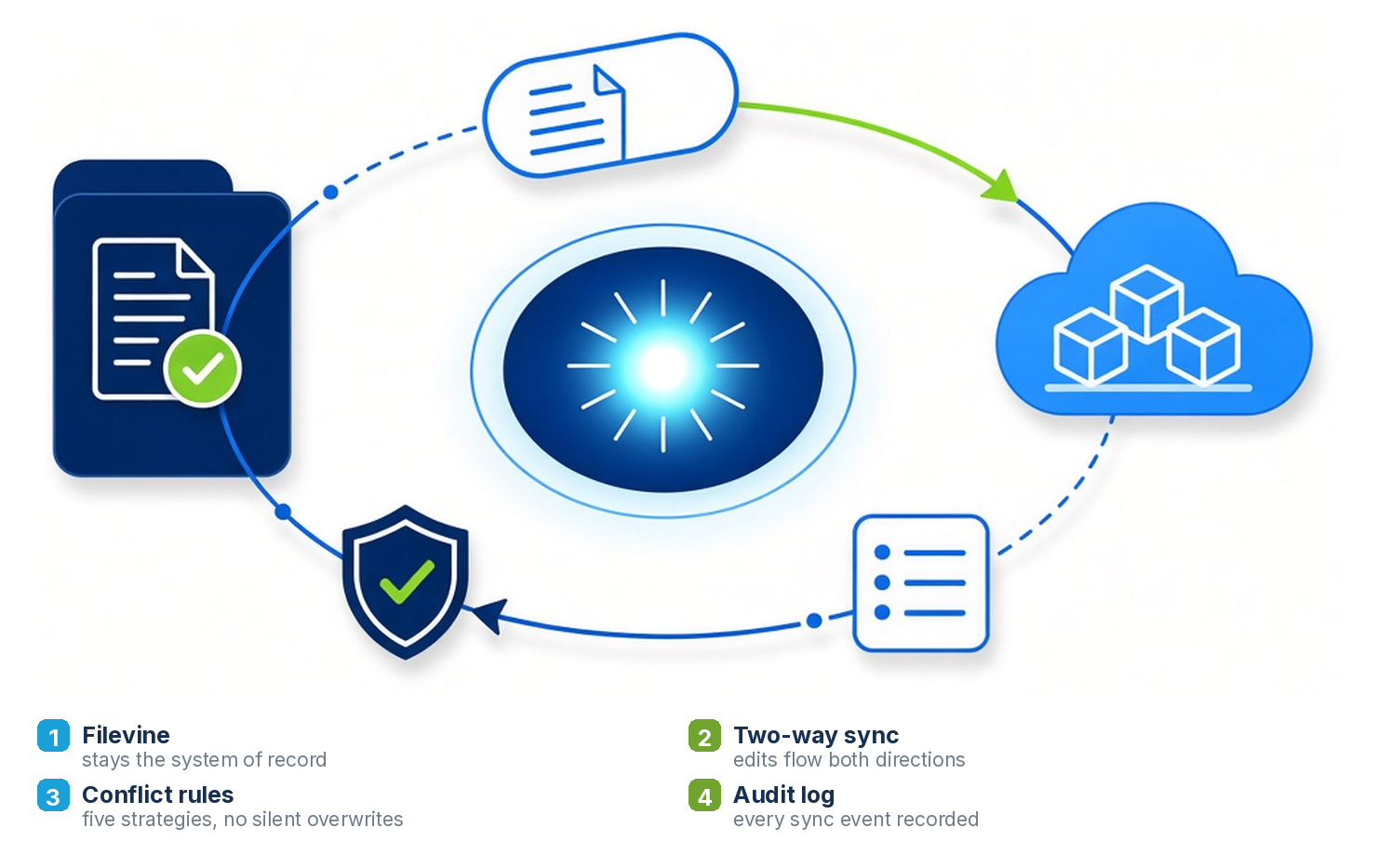
How MatterOrbit handles each of the four
| Requirement | What MatterOrbit does |
|---|---|
| Conflicts decided by a rule | Five strategies the firm chooses from: last-writer-wins (default), Filevine-authoritative, SharePoint-authoritative, version-both, or manual review in the dashboard queue. No silent overwrites; every decision is recorded. |
| Loops prevented, not patched | Every write into SharePoint carries sync-source metadata, so the inbound Microsoft Graph webhook for that same write is recognized as MatterOrbit’s own change and short-circuits instead of bouncing back to Filevine. |
| Names and paths | Smart rename: a SharePoint file or folder name over Filevine’s 250-character path limit is truncated to fit while the original full name is kept in the middleware, so the document stays findable. |
| Proof, not a status light | Every sync event runs detect, diff, resolve, transfer, verify. A hash match confirms each transfer before the audit record is written; failed operations retry with backoff; the dashboard shows health, volume, the conflict queue and the full trail. |
| Timing | Near real time off webhooks, a 5-minute polling fallback, and a nightly reconciliation sweep across every matter. |
| Access | Microsoft Graph with Azure AD per-tenant consent, not a firm’s own credentials. SOC 2 Type 2 controls apply. |
Backup is not sync, and the difference shows up in six weeks
Filevine’s native SharePoint integration is a genuinely useful backup. It is not designed to be a working document environment, and it does not claim to be. The distinction matters because the failure is invisible at first. Everything looks fine for the first fortnight. The drift starts when somebody edits outside the case management system, which they will, because that is where the rest of their day happens.
Here is a test worth running on any option you are considering. Open a document from the DMS side, change one line, save it, and go look at the matter in Filevine ten minutes later. If the change is not there, you are looking at a backup.
Where MatterOrbit fits, and how setup runs
We built MatterOrbit because our own Filevine clients kept asking for this, and because we were already doing the Filevine implementations underneath. It is a certified Filevine integration listed in the Filevine marketplace, it syncs both ways with SharePoint, OneDrive, Dropbox and Google Drive, it handles the four problems above by design, and it is one monthly subscription quoted for your firm rather than a custom build.
- Setup call. We look at your Filevine structure, your SharePoint sites and libraries, your backfill volume and the conflict policy you want. Nothing moves until you say so.
- Mirror. Setup is scoped on the call. A standard mirror, your current Filevine structure copied into a fresh SharePoint location, is the simplest case; mapping work with exceptions per matter type, or folders that need restructuring first, takes more.
- Backfill and switch on. Existing documents are brought across and verified, then the webhooks take over. If you are moving onto Filevine at the same time, migrate the SharePoint files into the right matters first and start in sync; that is the same migration work we do for firms coming off Needles, Neos and ProLaw, so it is one project, not two vendors.
- Run. The dashboard shows sync health, volume and the conflict queue, and every event is in the audit trail. OneDrive, Dropbox and Google Drive can be added as connectors later.
Setting SharePoint up as the firm’s document system, with the libraries, permissions and Microsoft 365 policies to match? See SharePoint for law firms, Micronetbd’s dedicated site on the subject.
Filevine SharePoint integration questions
Does Filevine integrate with SharePoint?
Yes. Filevine keeps its own document store, and a two-way integration such as MatterOrbit mirrors every matter into SharePoint document libraries and sends SharePoint edits back to the matter. MatterOrbit is a certified Filevine integration listed in the Filevine marketplace and built on Filevine's official partner API.
What is the difference between a Filevine SharePoint backup and two-way sync?
A backup copies files out of Filevine on a schedule and stops there; an edit made in SharePoint never returns to the matter. Two-way sync watches both sides, applies a conflict rule when the same document changes in both places, prevents webhook loops and records every transfer, so the copy in SharePoint and the copy on the matter stay the same.
How fast does a change in Filevine show up in SharePoint?
With MatterOrbit, most changes land near real time through webhooks. If a webhook is missed, a 5-minute poll catches it, and a nightly reconciliation sweep checks every matter.
What happens if two people edit the same document in Filevine and SharePoint at once?
The firm's chosen policy decides: last-writer-wins by default, Filevine-authoritative, SharePoint-authoritative, keep both versions, or send it to a manual review queue. The decision is recorded in the audit trail either way.
How are SharePoint sites and libraries mapped to Filevine?
Each Filevine project maps to a SharePoint site and document library, and the folder structure inside the matter is preserved exactly. Practice groups can keep their own sites and libraries; the mapping respects the structure and permissions already in place.
What does it cost and how long is setup?
MatterOrbit is one monthly subscription quoted for your firm, with setup scoped on the call. A standard mirror, your current Filevine structure copied into a fresh SharePoint location, is the simplest case. Mapping work with exceptions, content that must live on one side only, or folders that need restructuring first, is scoped and quoted on the setup call. Nothing moves until the firm says so.
See it on your own matters
About twenty minutes. No data moves until you say so.
Book a setup callThe SharePoint connector on matterorbit.comMatterOrbit on micronetbd.org