
Four specification data automations that pay for themselves in a month
Most of the Specright enhancements that pay for themselves fastest are small. Not platform projects. Twenty hours of configuration that removes a step somebody has been doing by hand a hundred times a month, and removes the errors that came with it.
Here are four that come up on almost every engagement, and what they are actually worth.
1. Component naming
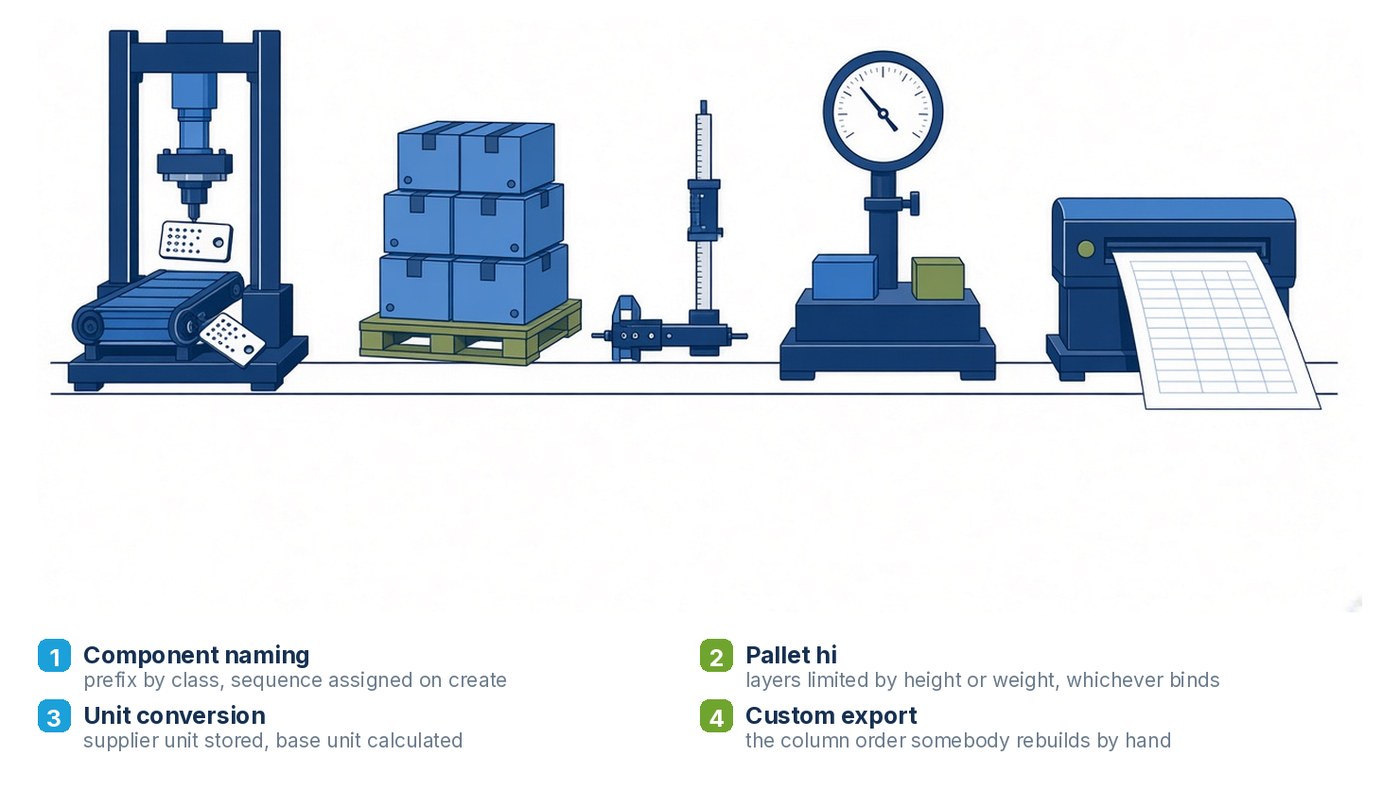
Somebody on your team names new components. They follow a convention that lives in a document, or in their head. They are careful. And there are still duplicates in your library, because two people created the same carton in the same week and one called it CT-1042 and the other called it CTN1042.
Automated naming fixes this at the source. A two-letter prefix by component class, a sequential number assigned by the system, applied on create. Flexible film gets FL, cartons get CT, cases get KD, glue GL, tape TA, slip sheet SS, tie sheet TS, stretch wrap SW, and anything else falls to MS. If the last component issued was KD01095, the next one is 01096 regardless of class, so the number is unique across the library rather than per type.
The value is not the naming. It is that duplicates stop being created, which means your component counts are real, which means every rollup built on them is real too. If you are reporting packaging material by weight to anybody, this is load-bearing.
2. Pallet height and load cube
Case dimensions and gross weight are already on the record. Maximum pallet height and maximum pallet weight are constraints somebody knows. And yet the tie and high calculation gets done in a spreadsheet, per project, and gets re-done every time a case dimension changes.
Calculated on the plant BOM, it takes the case height and gross weight, checks both against the height and weight ceilings, and returns the layer count that satisfies whichever constraint binds first. A 14.25 inch case at 32.5 pounds gives you six high. The same case at 50 pounds gives you five, because weight becomes the limit before height does.
It updates when the source data updates, which is the real point. A spreadsheet answer is correct on the day it was made.
3. Unit conversion on item records
Suppliers quote in their units. Your library needs one. Every place those two meet by hand is a place a decimal gets lost.
Store the original value and unit as supplied, convert to your base unit in a calculated field, and price off the converted value. It costs a few hours to build and it ends a category of error that is otherwise invisible until a costing looks wrong.
4. The export people are rebuilding by hand
Every spec library has one. A bill of materials export with a particular column order that a plant, a co-packer or a finance team needs, which the standard export does not produce, so somebody pulls the standard one and reshapes it in Excel every month.
Ask who does it and how long it takes. The answer is usually a named person and half a day, and it has been going on for two years. A custom export configured to produce exactly that shape removes the half day permanently, and removes the risk that the person doing it leaves and takes the format knowledge with them.
How to find yours
You do not need an assessment to identify these. Ask three questions in a room with the people who use the system daily:
- What do you export and then edit before you send it
- What number do you calculate outside the system
- What do you type in that the system already knows
Each answer is a candidate. Most of them are ten to thirty hours of work. A few will turn out to be bigger, and those are worth knowing about too, but the small ones are where the return is fastest and the risk is close to zero.
We deliver this kind of work as scoped enhancements or against a block of hours, depending on how much of it there is. The Specright practice page covers the engagement models, and if you already know which three things are annoying your team, describe them to us and we will come back with an estimate rather than a discovery proposal.