
Filevine API: a two-way file sync, built the approved way.
Filevine publishes an official REST API and webhooks. Micronetbd used them, with Filevine's approval, to build one thing: MatterOrbit, a two-way document sync between Filevine and SharePoint, OneDrive, Dropbox or Google Drive. This page is about that file sync: what the API gives it, what moves in each direction, how it stays safe, and how a firm turns it on.

Documents, folders and change events
Access is provisioned by the firm through Filevine for its own org. MatterOrbit works inside that access and asks for nothing more than the sync needs.
Projects and folders
Which project a document belongs to and the folder structure the firm set up, so a file lands where the team expects it.
Documents
Upload, download, folder placement and metadata: the calls a two-way document sync is built on.
Webhooks
An event when a document changes on the project, so the library side reacts within seconds instead of polling.
Library side
The matching calls on the other side for SharePoint, OneDrive, Dropbox and Google Drive, so both ends see the same file.
Conflict handling
When the same file changes in both places, one of five rules the firm chose decides, and nothing is overwritten silently.
Audit trail
Every move, copy and conflict decision is logged with what, where and when, so an admin can answer any question about a file.
The same document, current in Filevine and in the library
What happens on each side once MatterOrbit is on.
| When this happens | MatterOrbit does this | Notes |
|---|---|---|
| A document is added to a Filevine project | It appears in that project's folder in SharePoint, OneDrive, Dropbox or Google Drive | Folder mapping follows the firm's own structure |
| A document is added or edited in the library | It lands back on the Filevine project, in the right folder | The team keeps working where it already works |
| A document is moved or renamed | The change is mirrored on the other side | No duplicate copies drifting apart |
| The same document changes in both places | One of five conflict rules the firm chose decides | Never a silent overwrite; the decision is logged |
| Something needs a human | It is queued with the reason, and the firm's admin is told | Monitoring, retries and an error queue somebody reads |
Setup call, access, map, pilot, monitor
Nothing moves until the firm says so.
Setup call
Fifteen minutes on which library the firm uses, how its folders are organised and which conflict rule fits.
Access
The firm provisions API access for its own Filevine org, and connects the library. MatterOrbit works inside that access.
Map
Project folders to library folders, written down and agreed before the first file moves.
Pilot
A handful of live matters first, with the firm checking both sides before the whole caseload is switched on.
Monitor
Sync health, retries and the error queue, watched by Micronetbd, on the managed services retainer if the firm wants it.
MatterOrbit: the file sync itself
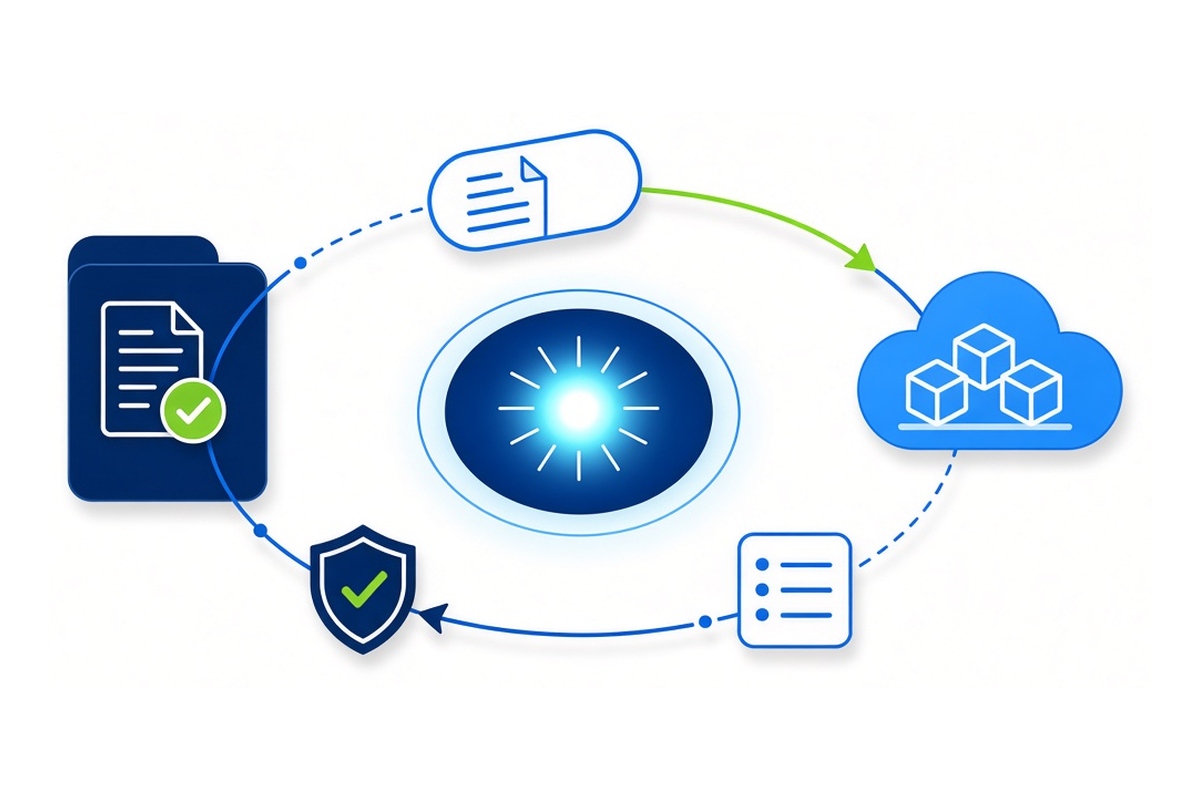
MatterOrbit keeps documents in sync both ways between Filevine and SharePoint, OneDrive, Dropbox or Google Drive. Edit a document in Filevine and it lands in the library; edit it in the library and it lands back on the project. Five conflict rules, no silent overwrites, an audit trail. It is a certified Filevine integration, built on the official Filevine API and supported by Micronetbd, the same team that implements and supports Filevine for law firms.
- Certified Filevine integration, built on the official API
- Two-way sync with SharePoint, OneDrive, Dropbox and Google Drive
- Five conflict rules and an audit trail
- Setup call first; nothing moves until the firm says so
- Supported by the Micronetbd team
Filevine API and file sync questions, answered plainly
Does Filevine have an API?
Yes. Filevine publishes an official REST API and webhooks. MatterOrbit, Micronetbd's two-way document sync, is built on that API and works inside the access a firm provisions for its own org.
Is MatterOrbit an approved Filevine integration?
Yes. MatterOrbit is a certified Filevine integration, built by Micronetbd on the official Filevine API with Filevine's approval.
Can Filevine sync with SharePoint, OneDrive, Dropbox or Google Drive?
Yes, both ways, through MatterOrbit. A document added or edited on the Filevine project lands in the library, and a document added or edited in the library lands back on the project, with conflict rules and an audit trail.
What does the sync read and write in Filevine?
Its job is documents. It reads the project and folder structure it needs to place a file, and it reads and writes documents and their metadata. It does not change matters, contacts or the firm's other data.
Do we need our own API access?
Yes. The firm provisions API access for its own Filevine org, and MatterOrbit works inside it. Micronetbd walks the firm through that step on the setup call.
What does it cost?
MatterOrbit is quoted per firm after the setup call, based on the library and the size of the caseload. There is no self-serve price list.
Who supports it after go-live?
Micronetbd: monitoring, retries, an error queue somebody reads, and updates when Filevine or the library changes, on the managed services retainer if the firm wants it.
Filevine at Micronetbd HQ
The first official Filevine visit to our office
TJ Michaelson, Implementation Consultant at Filevine, spent a day with our team in Hamilton, New Jersey. We compared notes on implementations, talked through the work we each do for Filevine clients, and looked at where we can back each other up better. A partnership that works on screens is better still in person.
Watch the visit
Vinesign in Filevine
Signatures without leaving Filevine
Short videos from our own demo environment showing what Vinesign does for a firm that has it set up well. We set it up for you.
- Send a Document for Signature Without Leaving Filevine
- One Signature Template for Every Matter in Vinesign
- An Attorney Retainer Agreement That Fills Itself from Filevine
- Verify an Electronic Signature: The Proof Vinesign Keeps for You
See the file sync on your own matters
Bring the library your team already uses. We will map your folders, pilot a few matters and switch the rest on when you say so.